Back to tools
AI Tool Profile

Microsoft Edge

Microsoft Edge is Microsoft's free, Chromium-based browser, and in 2026 it doubles as Microsoft's answer to the AI browser trend through a feature called Copilot Mode.

AI Browsersfree
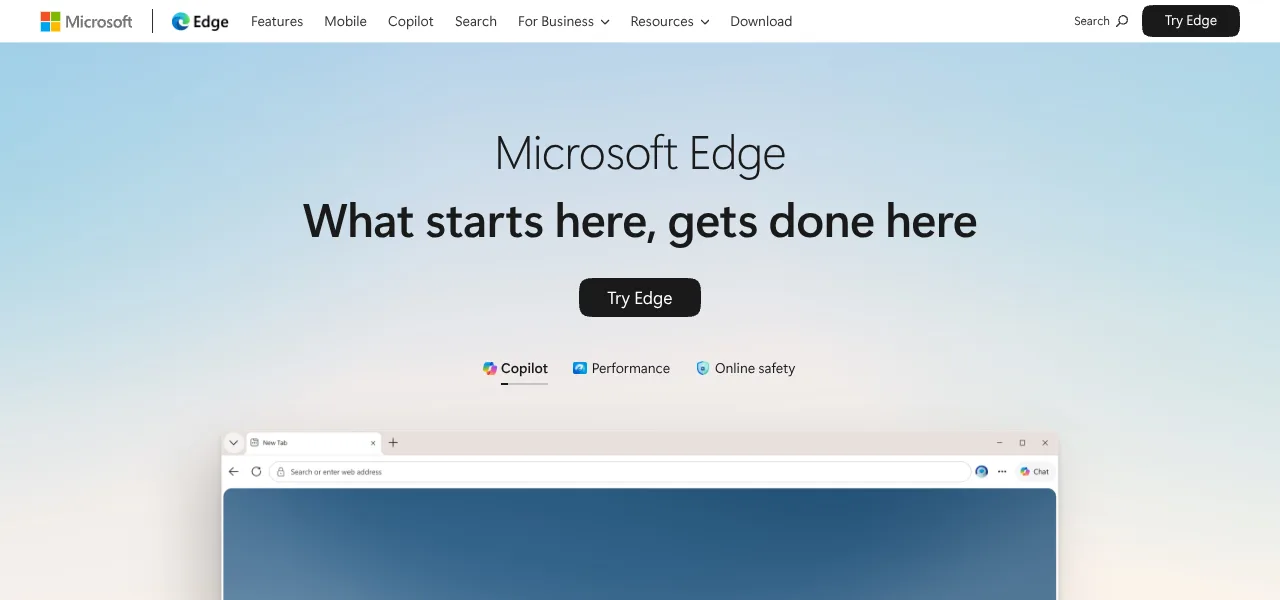
Microsoft Edge AI browser logo

Availability

Live now

Overview

Why Microsoft Edge is a powerful AI Browsers tool

Microsoft Edge is Microsoft's free, Chromium-based browser, and in 2026 it doubles as Microsoft's answer to the AI browser trend through a feature called Copilot Mode. Turn it on and Copilot can read across everything you have open — comparing options on a shopping trip, pulling key details out of several research tabs, or finding a page you had open last week — and act on it, up to completing simple multi-step tasks for you. It stays optional: individual features can be toggled, and Copilot Mode itself can be switched on or off.

Beyond Copilot Mode, Edge folds in Copilot Vision (share your screen and ask questions about what's on it), a voice mode for hands-free help, an AI shopping assistant that flags better prices and cashback offers, one-click AI tab cleanup, and generative tools for images and browser themes. It's built on Chromium, so most Chrome extensions work, and it syncs across Windows, macOS, iOS, and Android.

Edge's biggest advantage over the rest of this category isn't a feature — it's distribution. It comes pre-installed on every Windows PC, so for a huge share of the world it's the AI browser they already have without downloading anything new.
Why People Pick It

Why Microsoft Edge stands out in AI Browsers

  • Category fit: AI Browsers
  • Pricing model: free

Features

  • Copilot Mode for AI-driven browsing
  • Multi-tab reasoning and comparison
  • Copilot Vision for screen sharing and analysis
  • Voice mode for hands-free help
  • AI shopping assistant with price and cashback alerts
  • One-click AI tab organization
  • AI image and theme generation
  • Built on Chromium with broad extension support
  • Available on Windows
  • macOS
  • iOS and Android

Pros & Cons

Pros

  • Preinstalled on every Windows PC
  • no download needed
  • Completely free with no subscription required
  • Deep integration with Bing
  • Microsoft 365 and OneDrive
  • Copilot Mode can be toggled on or off
  • Frequently updated with new AI features

Cons

  • Full AI feature set nudges you toward signing in with a Microsoft account
  • Some users find Copilot prompts intrusive when left on by default
  • Fewer power-user customization options than Arc-style browsers
  • Weaker pitch on Mac than on Windows
  • Overlaps in capability with the standalone Microsoft Copilot app

Top Microsoft Edge alternatives in AI Browsers

Explore similar AI Browsers AI tools with comparable pricing, features, and use cases.

Perplexity Comet AI browser logo

Perplexity Comet is a free, Chromium-based web browser built by Perplexity AI that puts an AI assistant at the center of...

AI Browsersfreemium
ChatGPT Atlas AI browser logo

ChatGPT Atlas is OpenAI's own web browser, built on Chromium with ChatGPT sitting at the center of every tab instead of...

AI Browsersfreemium

AI Search Directory Engine

Build your AI stack faster with smarter discovery

Sign up to save tools, build collections and discover trends in minutes.